Most indie authors spend months polishing their manuscript for Kindle and print, then hit a wall the day an agent, a freelance editor, or an ACX narrator asks for something completely different: a plain .docx file, double-spaced, no cover, no chapter ornaments. If you've been formatting for EPUB and PDF only, exporting your manuscript as a Word document can feel like starting over. It shouldn't be.
This is one of the most common searches from writers switching tools — "how to export book from writing software to Word" — because most drafting apps are built around ebook and print output, not the plain-vanilla format the traditional publishing world still runs on. Here's what that format actually needs, and how to get it out of your manuscript without redoing your formatting by hand.
Why you still need a Word file
EPUB is for e-readers. Print-ready PDF is for KDP's paperback interior. Neither is useful once a human being needs to open your manuscript, leave comments, track changes, or read it out loud while narrating an audiobook. Three groups will almost always ask for a .docx or plain text file instead:
- Literary agents and acquiring editors generally want Times New Roman or Courier, double-spaced, with no design elements at all. A styled EPUB with drop caps and scene-break ornaments actively works against you here — it reads as unprofessional in a submission.
- Freelance editors need Word specifically for Track Changes and margin comments. PDFs can be annotated too, but line editing in a PDF is slow and error-prone compared to Word's revision tools.
- ACX narrators (and any human narrator you hire directly) usually want a clean, double-spaced script they can mark up by hand or annotate digitally while recording. Chapter breaks need to be obvious; decorative formatting doesn't help them and can actually get in the way.
What "standard manuscript format" actually means
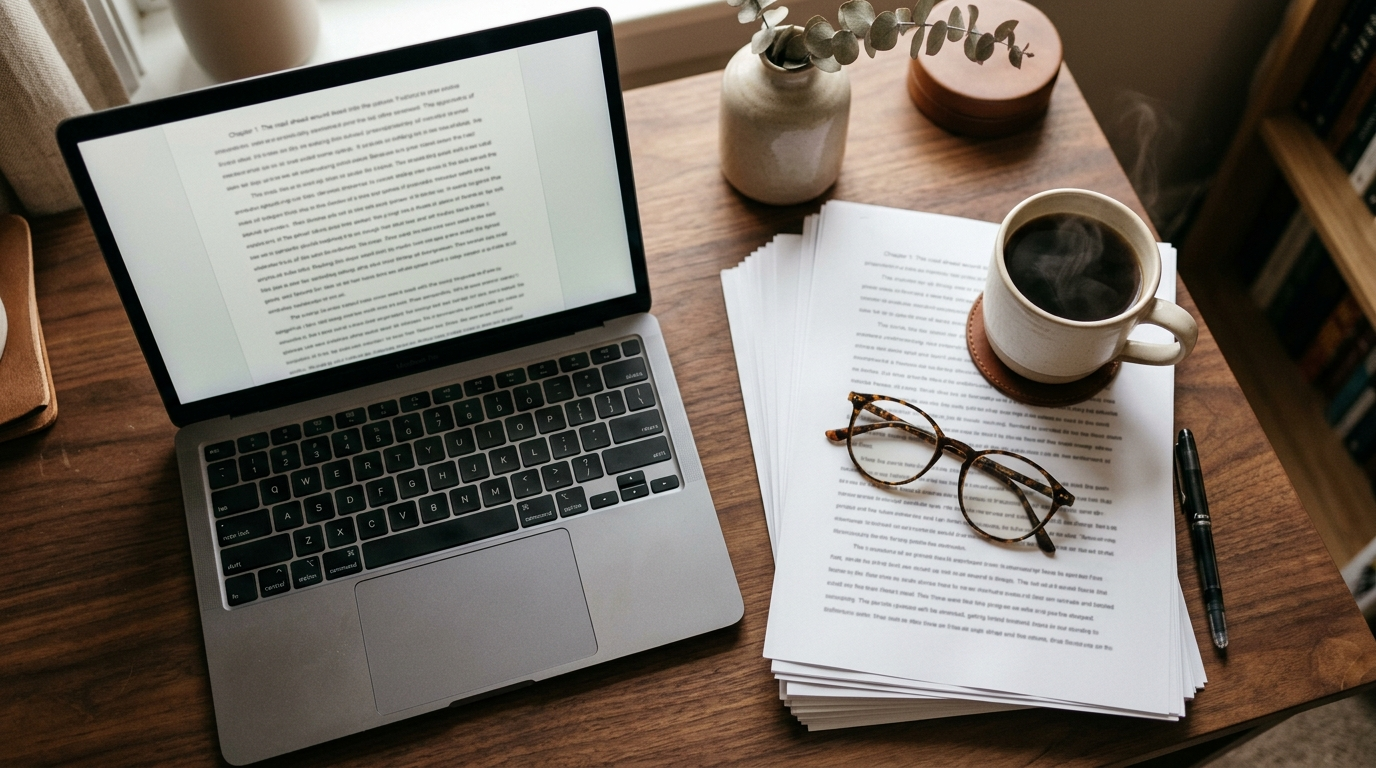
If you've never submitted to an agent or hired a narrator before, "standard manuscript format" isn't a vague suggestion — it's a fairly specific set of conventions that's been stable for decades:
- 12-point Times New Roman or Courier New
- Double line spacing throughout, including the first page
- 1-inch margins on all sides
- First line of each paragraph indented 0.5 inches (no extra space between paragraphs, and no indent on the very first paragraph of a chapter)
- A new page for each chapter, with the chapter number or title near the top
- A running header with your last name, an abbreviated title, and the page number
- Scene breaks marked with a centered "#" or a blank line, not a graphic dinkus
Notice what's absent: no drop caps, no theme fonts, no cover image, no front-matter copyright page styled like a finished book. Submission and production formatting is deliberately plain so the content is the only thing being evaluated — an agent reading a query doesn't want to be distracted by your chapter-heading font choice, and a narrator doesn't need your title page graphics.
Exporting a Word document from your writing software
If your manuscript already lives in a dedicated writing app rather than Word itself, look for an export option that outputs .docx or plain text directly, rather than exporting to PDF and converting backward (which mangles formatting badly). In Pendrilo, this lives alongside the EPUB and PDF exports in the Export panel: choose Word or plain text, and the manuscript comes out double-spaced, in a standard font, with your chapter breaks preserved as actual page breaks rather than the styled chapter headings from your ebook theme.
A few things worth knowing about what does and doesn't carry over:
- Chapter and scene breaks translate cleanly, since they're structural, not decorative.
- Theme-specific styling — drop caps, ornamental dividers, color inversions on chapter openers — gets dropped intentionally. Word doesn't render them the way an ebook reader does, and a plain manuscript is what the recipient wants anyway.
- Footnotes and citations, if your book uses them, need a quick check after export. Complex formatting inside footnotes doesn't always survive a round-trip between formats, so skim the exported file before sending it anywhere.
If you're comparing tools and this is a deciding factor, it's worth testing the export on a sample chapter before committing your whole manuscript to any one app — open the resulting .docx in actual Word or LibreOffice and check spacing, indents, and page breaks rather than trusting a preview pane.
If your software only exports EPUB or PDF
Some writing tools genuinely don't offer a Word export, which forces a workaround: export to a plain, unstyled PDF, then run it through a PDF-to-Word converter. This works, but expect to spend twenty or thirty minutes cleaning up afterward — converters routinely add stray page breaks, mangle indents into inconsistent tab characters, and sometimes turn curly quotes into garbage characters. If you're doing this regularly for beta readers, editors, and agents, it's worth switching to software that exports .docx natively rather than repeating that cleanup every time.
Formatting for ACX and audiobook narrators specifically
ACX doesn't require double spacing the way agents do, but most narrators still ask for it because they annotate scripts by hand while recording — marking pronunciation notes, pause points, and character voice cues in the margins. Beyond spacing, narrators care about clarity more than polish:
- Make sure chapter numbers are unambiguous — "Chapter Twelve" reads better aloud-in-the-head than a bare "12" during a fast scan.
- Spell out anything a narrator might mispronounce on sight: unusual character names, invented-world terms, foreign phrases. A short pronunciation guide as a separate page at the front of the script saves everyone a re-record.
- Keep scene breaks visually obvious (a blank line plus a centered symbol) so the narrator doesn't run two scenes together in a single take.
Note that a text-to-speech or synthetic narration export is a different tool for a different job — useful for proofing your own manuscript by ear, but not a substitute for the human narration ACX requires for a sellable audiobook. The Word script is what you hand to an actual narrator; anything AI-narrated stays for your own listening and editing pass.
Common mistakes when exporting to Word
A few things trip up authors doing this for the first time:
- Sending the ebook-styled version. If your exported Word file still has ornamental chapter openers or theme fonts baked in, strip them before sending to an agent — it reads as a sign you don't know submission conventions, which is an unfair but real first impression.
- Forgetting the header. Agents and editors handle dozens of manuscripts at once; a header with your name and title on every page means a printed page that gets separated from the stack can find its way back.
- Leaving smart quotes and em dashes inconsistent. If your manuscript mixes straight and curly quotes after a conversion, run a find-and-replace pass in Word before sending. It's a small thing that's noticeable to a careful reader.
- Not proofreading after export. Every format conversion has a small chance of introducing an odd line break or dropped italics. Skim the whole thing once in Word itself, not just in your writing app's preview.
Before you send it
Once your .docx is exported, do one final pass:
- Open it in the actual program the recipient will use — Word, not just a generic viewer — and confirm double spacing held.
- Check that chapter breaks land on new pages, not mid-page.
- Confirm your header shows your name, title, and page number correctly on page two onward.
- Run a spellcheck pass specific to Word, since your writing app's checker and Word's may flag different things.
If you're just estimating page count for a submission letter or want to sanity-check your manuscript length before exporting, Pendrilo's free author tools include a words-to-pages estimator that's handy for exactly this. And if you're managing exports, beta-reader feedback, and KDP formatting across several tools right now, it might be worth seeing whether one app can handle the whole pipeline — you can try Pendrilo and export a chapter to Word yourself before deciding.