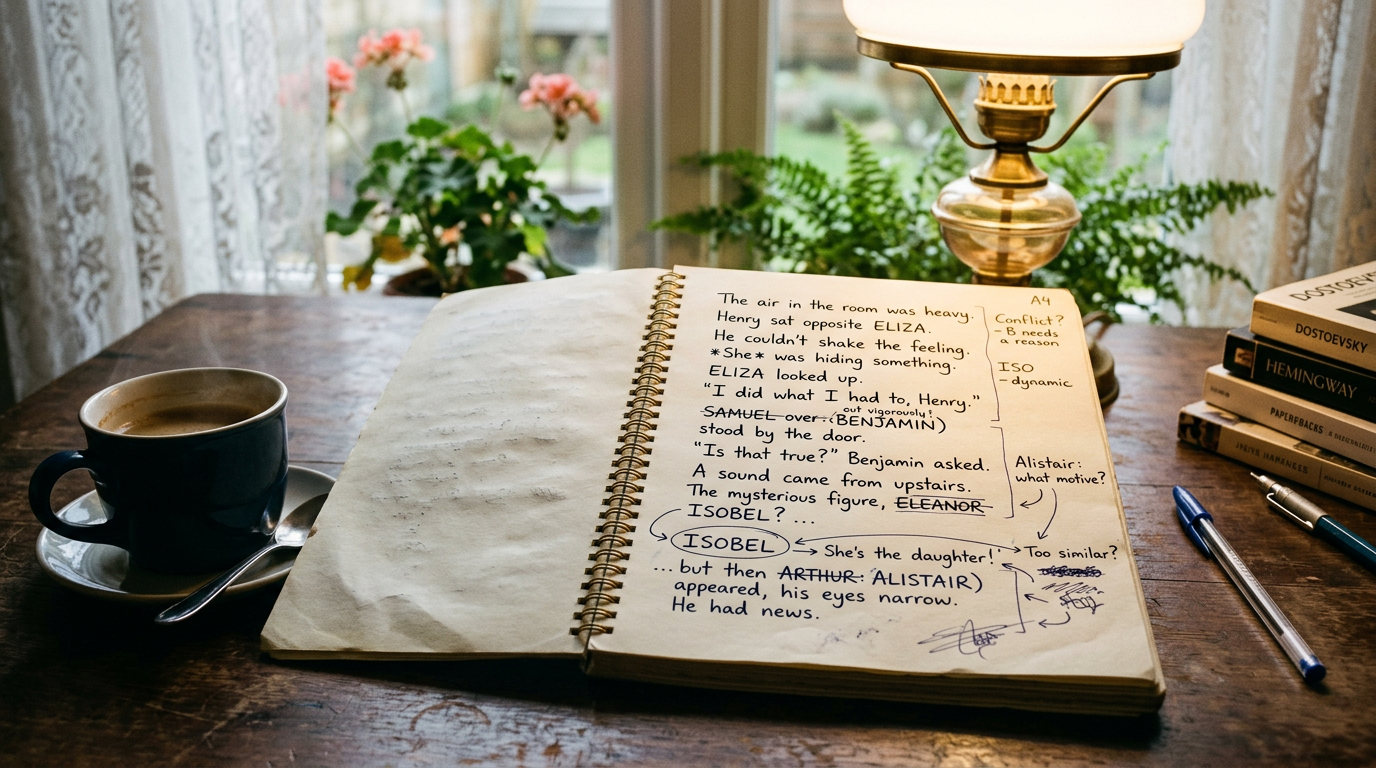
You're about to cut your saggy middle act, merge two side characters into one, or rewrite the ending from scratch. Before you touch a single chapter, back up your manuscript. Not "eventually," not "after I finish this pass" — right now, before the first sentence changes. A five-minute habit here can save you from the sick feeling of realizing your old draft, the one that actually worked, is gone.
Most authors already have some backup instinct: a folder full of files named draft2, draft2_FINAL, draft2_FINAL_actually. That's not a safety net. That's a haystack. What you need is a system that takes a clean snapshot of your whole manuscript at a specific moment, lets you compare it to what you write next, and lets you restore it in seconds if the rewrite goes sideways.
Why "Save As" Isn't a Backup Plan
The Save As approach fails in three predictable ways. First, naming drift: after the fourth save, nobody remembers which file is the "before the big cut" version and which is "after I added the subplot back in." Second, partial coverage: you remember to duplicate chapter 12 before rewriting it, but forget chapter 4, where you also moved a scene. Third, and worst, silent overwrites: autosave or a sync tool quietly replaces your good draft with your half-finished rewrite, and there's no version history to fall back on.
A structural edit is exactly the moment when things go wrong in ways you can't predict. You might delete a scene that turns out to carry a plant for chapter 20. You might change a character's motivation and not notice the ripple effects until you're three chapters deep. When that happens, you want to go back to a known-good state without reconstructing it from memory or a dozen scattered files.
How to Back Up Your Manuscript Before a Big Revision
The fix is a point-in-time snapshot: a full, timestamped copy of your manuscript exactly as it stood the moment you took it. Think of it as a save point in a video game. You take one right before the boss fight (the structural edit), and if the fight goes badly, you reload instead of starting the whole game over.
In Pendrilo, this is a built-in feature rather than a manual file-juggling exercise. You take a manuscript snapshot with one click before you start a major pass, and it captures the entire book state at that moment — every chapter, in the order it was in, with the text as written. No renaming files, no remembering which folder is current, no risk of overwriting the wrong copy.
What a Snapshot Actually Captures
A good snapshot isn't just "the text right now." It should preserve enough context that you can meaningfully compare it to a later version:
- The full text of every chapter, not just the ones you think you'll touch — you'll often be surprised which chapters change during a structural edit.
- Chapter order, since restructuring usually means moving scenes around, not just rewriting sentences in place.
- A timestamp and a label you actually chose, like "before killing the subplot" rather than an auto-generated string of numbers.
Take the snapshot before you open the document to start cutting, not halfway through once you've already deleted the first three chapters. If you're mid-edit and haven't snapshotted yet, stop and do it now — a slightly late backup still beats no backup.
Diffing Two Versions Before You Commit
Snapshots solve half the problem. The other half is knowing what actually changed, because a big structural edit rarely stays contained to the parts you meant to touch. You cut a chapter, and suddenly a reference to a character's age in chapter 15 doesn't match anymore. You merge two characters, and a scene three-quarters through the book still refers to the one who no longer exists.
This is where diffing earns its keep. A diff lays your snapshot and your current draft side by side and highlights exactly what was added, removed, or moved. Instead of rereading all 90,000 words hunting for inconsistencies, you can see the specific paragraphs that changed and check each one against the story logic.
In practice, this catches three kinds of problems that are easy to miss when you're deep in a rewrite:
- Continuity drift — details that quietly changed (a name, a date, an object's location) without you deciding to change them.
- Accidental deletions — a paragraph or transition that got cut along with surrounding text you meant to remove.
- Scope creep — realizing your "quick trim" of act two actually touched a dozen chapters you didn't plan to revise.
Pendrilo's snapshot diff view is built for exactly this comparison, so you can see what a revision pass actually did to your manuscript before you decide it's the version you want to keep. Reviewing a diff after a big edit takes minutes and often surfaces the one continuity error that would've slipped past three rounds of beta readers.
When the Rewrite Goes Wrong: Restoring Without Panic
Sometimes the structural edit just doesn't work. You cut the subplot, and the book loses the emotional beat it needed. You merge two characters, and the dialogue gets muddy because they had genuinely different voices. This is normal — it's why the snapshot existed in the first place, not a sign you wasted your time.
Restoring should be boring and reliable: pick the snapshot, confirm, and your manuscript is back to that exact state. No manually retyping cut scenes from memory, no digging through a trash folder hoping autosave didn't already purge it, no rebuilding chapter order from a screenshot you took on your phone.
A few things make restoring less stressful in the moment:
- Label snapshots with what you were about to do, not just the date. "Before act 3 restructure" is more useful at 11pm than "Snapshot — Tuesday."
- Keep more than one snapshot per major revision if the edit has distinct phases — one before you start cutting, another before you start adding new material.
- Don't be afraid to restore and try again. A failed structural edit isn't wasted work; it's information about what the book actually needs.
If you want a rough sense of how a big cut will affect your page count before you commit to it, the free words-to-pages estimator at Pendrilo's tools page is a quick way to sanity-check the scale of a change — useful when you're deciding whether trimming three chapters is really going to tighten the pacing or just shorten the book.
Building the Habit Before Every Big Edit
Snapshots work best as a routine, not a one-off panic move. A simple rule that holds up across most revision types: take a snapshot before any edit that touches structure — cutting, merging, reordering chapters, or changing a POV throughout the book. Line edits and prose polishing are lower-risk and usually don't need the same ceremony, though there's no harm in snapshotting before those too if you're the cautious type.
A workable rhythm looks like this:
- Snapshot before you start the structural pass, labeled with what you're about to attempt.
- Do the rewrite in full, resisting the urge to snapshot again mid-edit unless you're changing direction partway through.
- Diff the snapshot against the new draft once you're done, and read through the changed sections specifically.
- Keep the snapshot even after you're happy with the result — storage is cheap, and "what did this chapter look like three drafts ago" is a question you'll ask again eventually.
The point isn't to be precious about every keystroke. It's to make sure that a bold editorial decision — the kind that actually improves a manuscript — never comes with the risk of losing the good version you're improving on. If you're currently backing up by copy-pasting into a new document and hoping you remember which one is which, it's worth trying a workflow with built-in snapshots and diffing instead. You can try Pendrilo free with one book to see how the snapshot and restore workflow fits your revision process before a paid plan unlocks exports for the rest of your catalog.