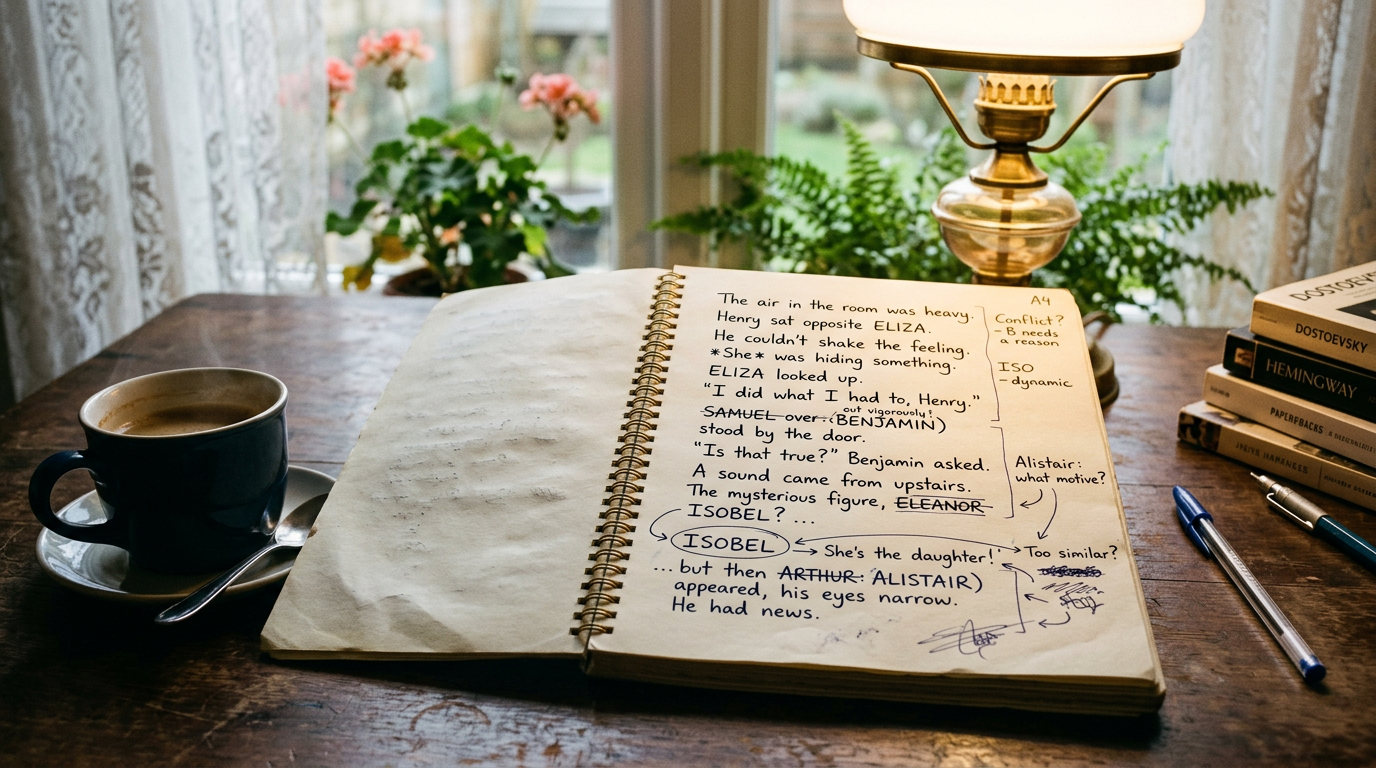
"Print your outline and look for gaps" is advice you'll find in almost every revision guide, and it's good advice. The problem is that most outlines don't show gaps. They show a list of scenes in order, which tells you what happens but not what quietly stopped happening three chapters ago. A plot-hole report is different: it's built specifically to surface the silences, not just the events.
If you're using a plot board to track your threads, you've already done the hard part. The next step is printing it in a form that actually does the hunting for you, instead of handing you 40 pages of beat cards and hoping your eyes catch what your brain missed while drafting.
Why a plain outline printout doesn't catch plot holes
Read back through a draft outline and you'll almost always confirm what you already believe: the plot makes sense, because you're the one narrating it to yourself as you read. That's the trap. A list of scenes in sequence reads like a story even when a subplot vanished on page 90 and reappeared, unexplained, on page 240.
Plot holes rarely announce themselves as contradictions. More often they're absences — a promise made in chapter 4 that nobody collects on, a rival who's central for a hundred pages and then never mentioned again, a ticking clock that stops ticking. You don't spot an absence by reading forward through events. You spot it by looking at a thread in isolation, stripped of the surrounding scenes that were distracting you from noticing it went quiet.
That's the difference between a printed outline and a printed plot-hole report. One shows you the story. The other shows you the shape of each thread against the whole book, so gaps look like gaps instead of blending into the flow.
What's actually on the Plot tab's printed report
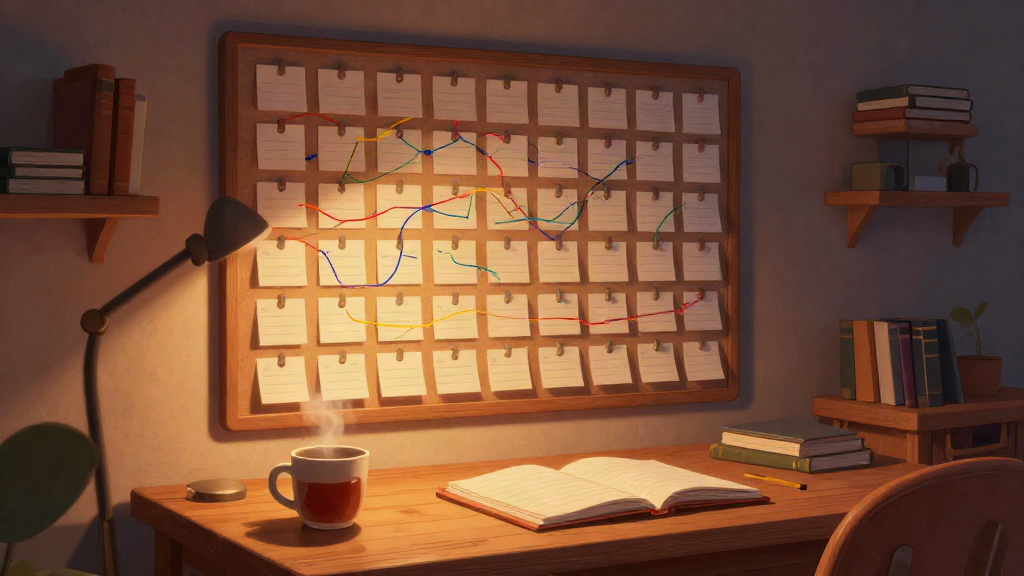
In Pendrilo, the Plot board tracks color-coded story threads across your book — each thread a horizontal line, each beat a card pinned to a chapter. Working in it while drafting is useful for keeping subplots straight. But its Print button, tucked in the Plot tab, generates something more specific than a copy of the board: a PDF built for revision, with two sections doing most of the work.
The silence-gap section
This section lists every thread and flags the stretches where it has no beats logged — no mentions, no movement, nothing. If your antagonist's thread has beats in chapters 2, 3, 5, and then nothing until chapter 22, that gap shows up as a plain, unavoidable line item. You're not scanning a wall of cards trying to notice the absence yourself. The report already noticed it and put a number on it: 17 chapters of silence.
Not every gap is a problem. A romance subplot can rightly go quiet during a war-council sequence. But a gap you can't explain in one sentence — "she's traveling, we don't need her onstage" — is worth a second look. The report doesn't judge which gaps matter. It just makes sure you see all of them at once, on paper, instead of trusting memory.
The thread-map section
Below the gap list, the report lays out a compressed, chapter-by-chapter map of every thread running in parallel — a birds-eye view of the whole book's structure on one or two pages. This is where pacing problems become visible. If three threads all go dense in chapters 15 to 18 and then all three go dark for chapters 19 to 24, your middle just sagged, and now you can see exactly where.
It's also where you catch threads that never converge. Two subplots that were clearly meant to collide by the climax but, laid out side by side, never actually share a chapter. On the board itself, scrolling past dozens of cards, that's easy to miss. On a printed thread map, it's a visual gap you can circle.
How to actually use the printout during revision
Printing the report is the easy part. Getting value from it means treating it like an editor's tool, not a keepsake.
- Read the gap list before you reread the manuscript. Go in with a short list of "what happened to X" questions already written down, rather than hoping you'll notice them cold.
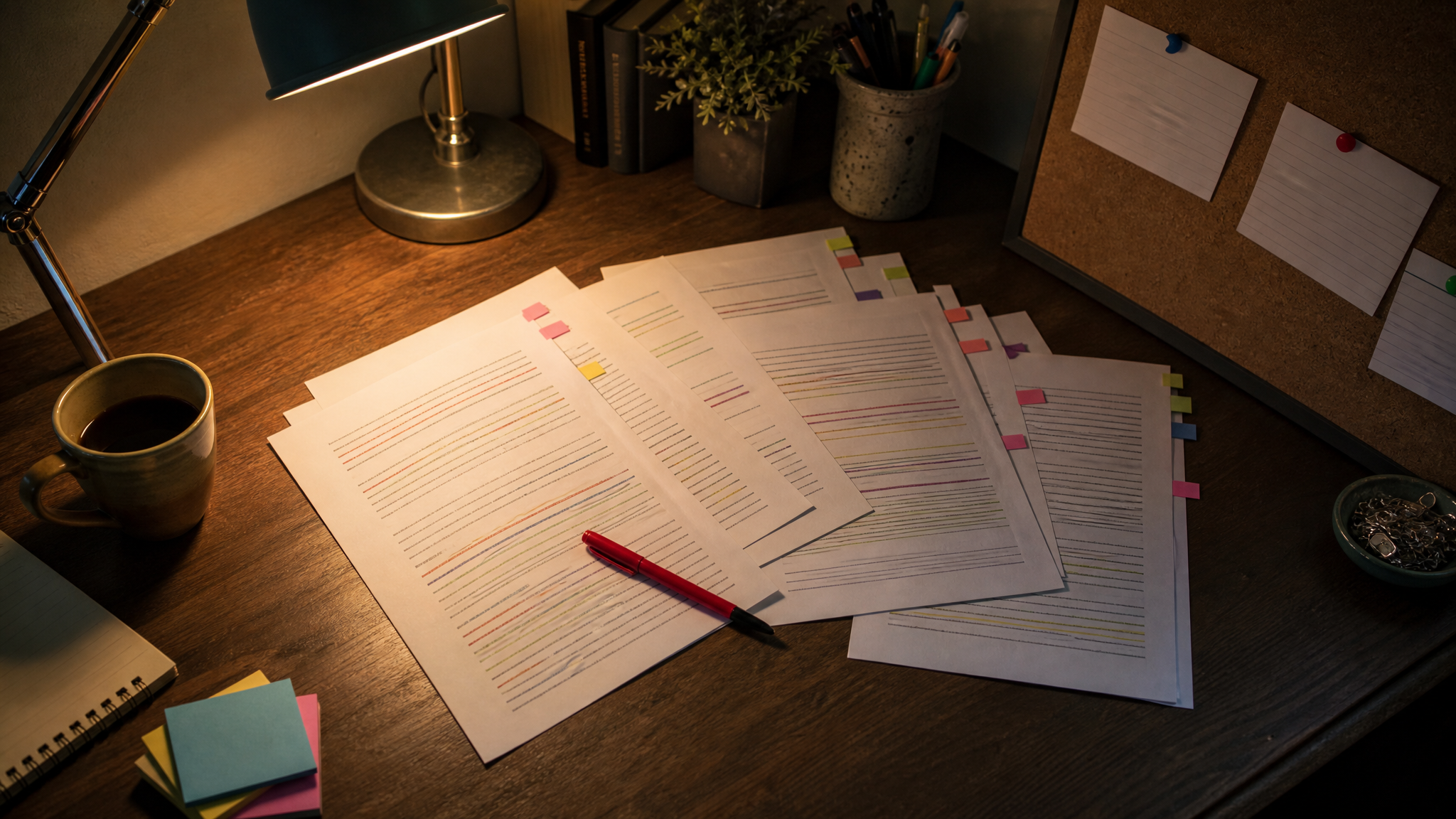
- Annotate directly on the page. Circle gaps that are intentional pacing and cross out ones that need a fix. A pen on paper is faster than toggling between browser tabs.
- Check the thread map for clustering. If every thread is busy at the same time, your reader is getting whiplash. If every thread is quiet at the same time, your middle chapters may be doing nothing at all.
- Work thread by thread, not chapter by chapter. Pick your weakest subplot from the gap list and trace only its beats front to back before moving to the next one. It's a different reading mode than drafting, and it catches different problems.
What this catches that a critique partner might miss
Beta readers are great at telling you a subplot felt forgotten — they feel the absence without being able to point to it precisely. A silence-gap report gives you the receipt: "forgotten" becomes "no beats for 17 chapters, resolved in one paragraph at the end." That precision matters when you're deciding how to fix it. A gap of 3 chapters might just need a passing mention. A gap of 17 might need an actual scene.
It also catches things beta readers rarely flag at all, because they're reading for story, not structure — things like a thread that ends without ever paying off, or one that pays off with beats that don't add up to the resolution the ending promises. Those show up as visual oddities on a thread map long before a reader would consciously notice them.
The goal isn't a perfectly even distribution of beats across every thread. It's making sure every gap on the page is one you chose, not one you missed.
Fold it into your revision pass, not a separate step
The report is most useful printed once you have a full draft with beats logged on the plot board, and again after a major revision pass, so you can compare whether the fixes actually closed the gaps or just moved them. Some writers print it a third time right before sending the manuscript to beta readers, as a final structural check before spending their goodwill on feedback that structural editing should have caught first.
If you're not yet tracking threads on a plot board and are still deciding whether it's worth the setup time, it pays off fastest on books with three or more interwoven subplots — mysteries, ensemble casts, multi-POV fantasy. A single-thread contemporary romance may not need the thread-map section at all, though the silence-gap check is still worth a look for the B-plot.
For the KDP-adjacent math and formatting side of revision — cover dimensions, royalty splits, keyword limits — Pendrilo's free tools cover the quick calculations without needing an account. And if you want to try building out a plot board and running your own plot-hole report against a work in progress, you can start with a monthly tier account and test it against your current draft.
The short version
Printing your outline only helps if the printout is built to show gaps rather than events. A plot board's print report does that by isolating silence — chapters where a thread should be present and isn't — and by laying every thread out against the whole book so pacing problems and dead ends become visible shapes instead of vague feelings. Read it thread by thread, mark what's intentional, and fix what isn't before your beta readers have to tell you what your own report already knew.