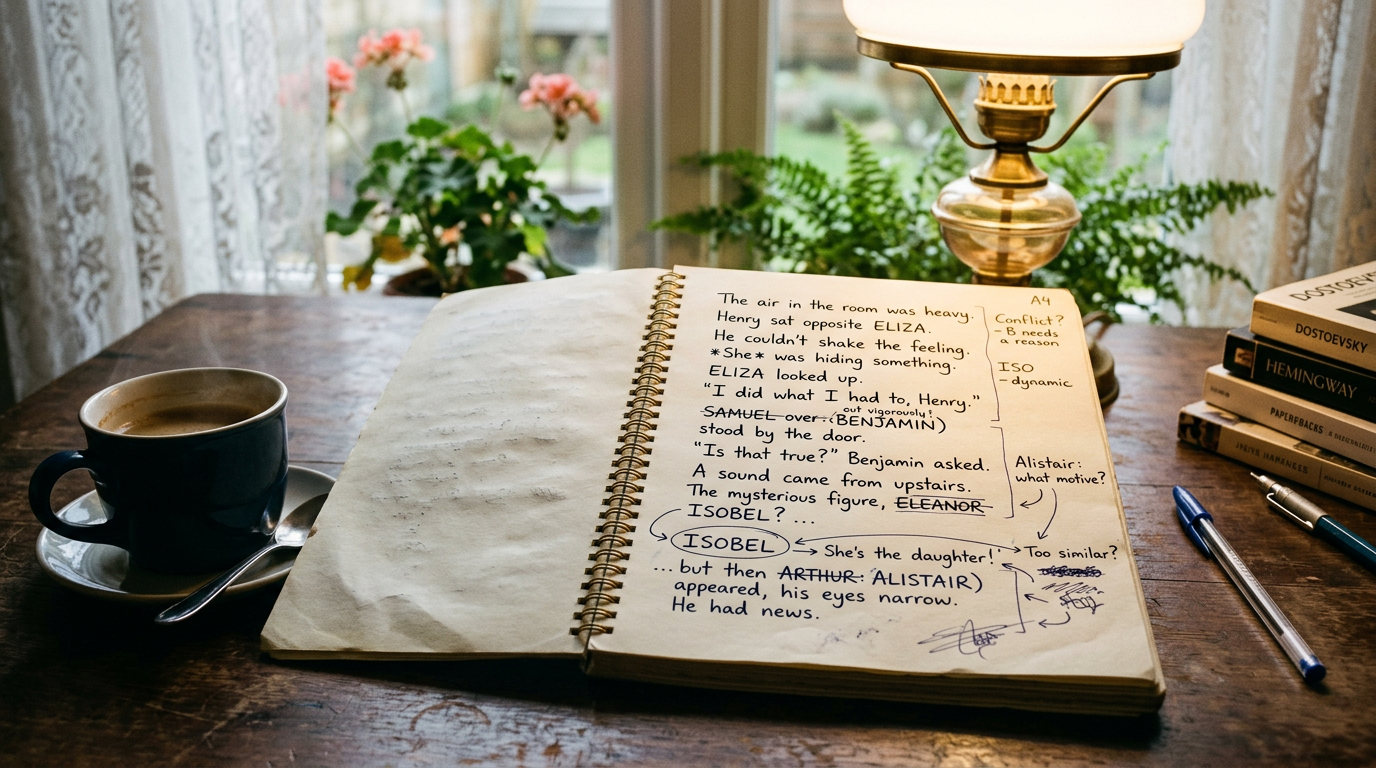
You know you wrote it. A character said something sharp, or you described a storm in a way you were proud of, and now you need that exact line for a marketing quote or a callback in book four. The problem: you can't remember which book it's in, let alone which chapter. If you're managing more than one or two manuscripts, this happens constantly, and searching across them fast is exactly what library search is built for.
Library search vs. the Find panel — which tool to use
Pendrilo gives you two search surfaces, and they do fundamentally different jobs.
The Find panel (Ctrl+Shift+F in the editor's right rail) searches only the chapter you have open right now. If you're revising chapter 14 of book three and want to confirm how you spelled a character's name in that chapter, Find is instant. But if the name lives in book two, you get nothing — and then you have to open book two and run Find again.
The Library search box lives on your Library home page. It searches across every chapter in every book you own at once. Type a phrase, and results come back grouped in three levels so you can narrow down exactly where that line lives:
- Book level — which manuscript is this even in? Useful when you're deep in a series and honestly not sure if that subplot started in book one or book two.
- Chapter level — once you know the book, which chapter or scene holds it? This is where most authors would give up and start skimming instead.
- Snippet level — the actual sentence or paragraph, with enough surrounding text to confirm it's the one you meant, not a near-miss.
Click a result and Pendrilo drops you straight into the exact place in the manuscript where it lives, rather than you reconstructing the location from memory. That's the power of library search: one search box, every book, every chapter, results grouped so you can recognize the hit when you see it.
What library search covers — and what it doesn't
Library search indexes every chapter across your active books. However, there are two important limitations to know about:
Archived books are not indexed. When you archive a finished book from your library to keep the shelf uncluttered, it drops out of library search entirely. The book still exists, edits work normally, and you can restore it to your shelves at any time — but while it's archived, searching won't find anything in it. If you need to search across a book you've filed away, restore it first, run your search, then archive it again.
Only chapters you're exporting are indexed. If you've unchecked a chapter from the exported book (the "In the exported book" toggle in chapter properties), that chapter won't appear in search results either. This is the same mechanism that keeps cut chapters out of your final PDF and EPUB — they're still there for you to edit and reference, but they're treated as hidden from the manuscript. It's useful for keeping draft alternates and abandoned takes safe without them cluttering your search results.
These limits exist by design: searching works across what readers will actually see, so you're not buried in results from books that aren't currently live or chapters that aren't meant for the final version.
Why this matters as your library grows
A single Word document with Ctrl+F works fine when you have one book open. The trouble starts once your catalog grows. Six books at 85,000 words average is over half a million words, split across a dozen or more files, plus a spreadsheet of character notes and a separate folder of deleted scenes you weren't ready to throw away.
Most file-based search tools — Word, Google Docs, even Scrivener in most setups — only search the document you have open. If the line lives in Book 2, Chapter 14 and you've got Book 4 open, you get nothing with the Find panel. So you start opening files one at a time, running the same search five or six times, hoping you remember which ones you've already checked.
Library search sidesteps that entirely. One search box. Every active book. Every searchable chapter. Every phrase, all grouped the same way so you can recognize the hit when you see it.
Practical habits that make search actually work
Good search tools help, but a little discipline in how you write and organize makes every search faster and more accurate — whatever software you're using.
Name things consistently
If your protagonist is "Mara" in book one and accidentally "Marah" in a typo three books later, search will miss it. Keep a single spelling for character names, place names, and invented terms, and if you're building a shared universe, a codex-style reference that's visible across all your books saves you from these drifts entirely — you check once instead of hunting through five manuscripts to confirm you got a name right.
Don't delete, archive
That great line might be sitting in a chapter version you cut. If your tool lets you keep alternate or deleted chapter versions without them showing up in your final export, keep them around instead of deleting on sight. You'll thank yourself the day you need a phrase you were sure you'd thrown away. You won't find them in library search, but they're still there for you to browse manually when you need them.
Search phrases, not just words
Searching "storm" across a six-book fantasy series will bury you in hits. Searching the more distinctive three or four words you remember — "storm that ate the horizon" — narrows things down fast. Train yourself to remember fragments rather than single words when you jot down a line you like.
Keep a running scratchpad
The fastest search is the one you never have to run. If you keep a simple running notes pad for lines, ideas, and callbacks as you write them — even just a rough one you paste into later — you cut down how often you need to go hunting across your whole library in the first place. Pendrilo's built-in scratchpad, available from any page, is designed exactly for this.
When you'll reach for library search
Cross-book search matters most in a few recurring situations, and it's worth knowing which ones apply to you so you're not caught off guard mid-deadline:
- Series continuity checks — confirming a detail mentioned in book one still holds by book three, without re-reading the whole thing.
- Marketing copy — pulling a strong line for a blurb, an ad, or a social post, months after you wrote it.
- Editing passes — checking whether you've used a particular phrase or metaphor too many times across the whole series, not just within one book.
- Beta reader follow-up — a reader references a scene by description rather than chapter number, and you need to find it fast to respond usefully.
If you're doing any of this by opening files one at a time, it's worth testing a workspace built around your whole catalog rather than one document. Pendrilo keeps every active book in one library, with search that spans all of them from the Library home page, plus series shelves so related titles stay grouped and easy to browse even when you're not searching for anything specific. Start a seven-day trial to explore Pendrilo with one book and up to 3,000 cumulative manuscript words. To build a multi-book library and search across manuscripts, choose a monthly or yearly plan.
A quick check for your current setup
Before your library grows any bigger, it's worth asking a few honest questions about how you'd actually find something today:
- Could you find a specific line from your third book in under a minute, right now, without opening every file?
- Do you know for certain whether a character detail was established in book one or book two of your series?
- If a beta reader quoted a line back to you out of context, could you locate the chapter it came from quickly?
If any of those made you wince, it's not a discipline problem — it's a tooling gap. Search across an entire library isn't a nice-to-have once you've published more than one or two books; it's the difference between spending five minutes finding a line and spending forty. While you're auditing your workflow, check Pendrilo's free KDP tools for the production side — royalty and cover-size calculators that don't require an account, useful the next time you're prepping a new title for launch.