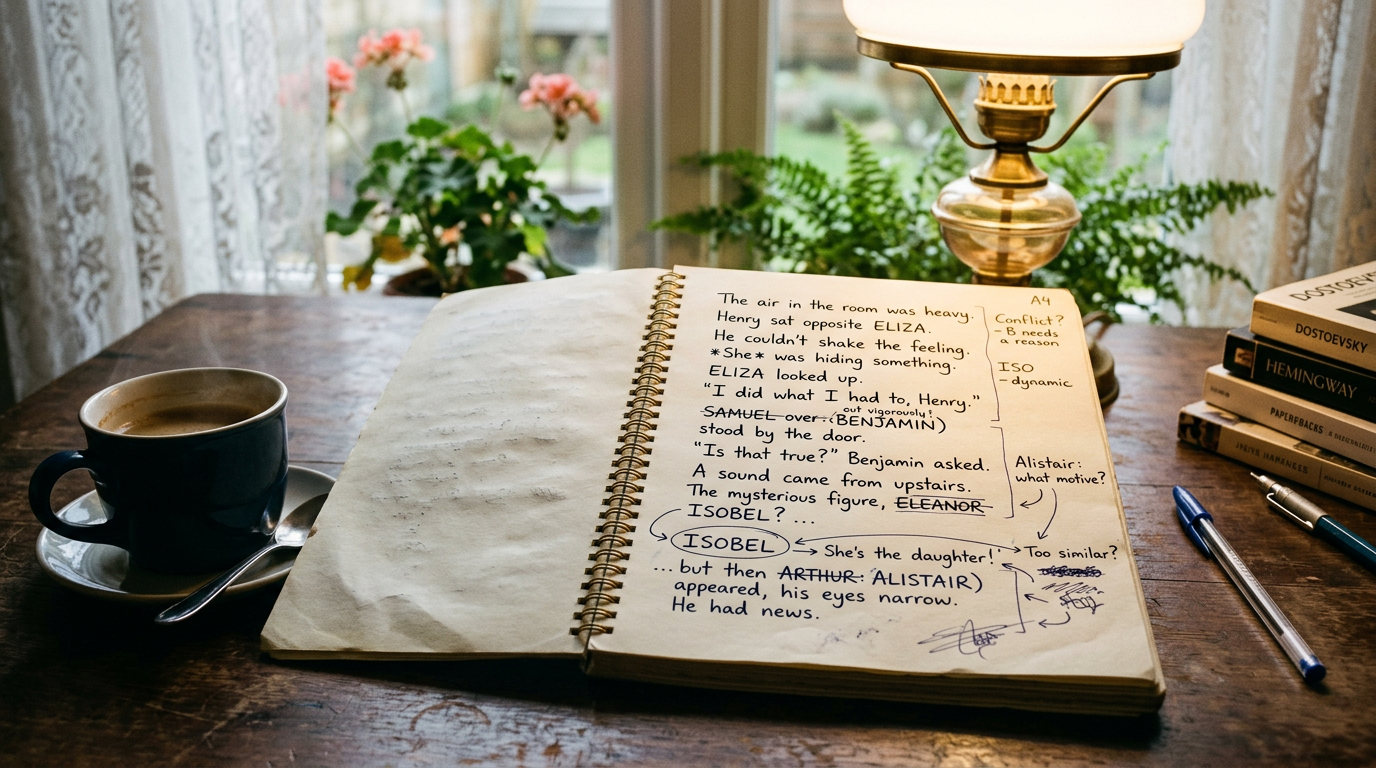
You just finished a heavy revision pass. Chapter 9 got split in two, the subplot with the missing necklace got cut entirely, and you're pretty sure you changed your protagonist's motivation somewhere around the midpoint. Now you want to know exactly what moved between the old draft and the new one. This is the moment most authors go searching for a way to track changes in novel writing, and it's also the moment Word's Track Changes starts to show its limits.
Track Changes was built for contracts and memos passed between two or three people over a few days. A novel draft is a different animal: 80,000 words, revised over months, often restructured rather than just line-edited. Turning on Track Changes for that kind of work usually creates more noise than clarity. This post covers why, and what Pendrilo's snapshot workflow does instead.
Why Track Changes Struggles with Novel-Length Revision
Track Changes is a live, always-on log of every keystroke from the moment you switch it on. That's fine for a two-page memo. Over a full manuscript and a real revision pass, a few problems show up fast.
It punishes structural changes
Move a scene from chapter 12 to chapter 4 and Word logs it as a giant deletion in one place and a giant insertion in another. It has no concept of "this paragraph relocated." You end up with a wall of red and no way to see that the actual content didn't change, just its position. Split a chapter, merge two scenes, or reorder your outline, and the tracked version becomes borderline unreadable.
It accumulates and rots
Leave Track Changes on for three months of revision and you're not looking at "draft one versus draft two" anymore. You're looking at every micro-edit, typo fix, and abandoned sentence stacked on top of each other. Accepting all changes to clean it up means you lose the very comparison you wanted. Most authors end up turning it off halfway through, which defeats the purpose.
It breaks formatting
Balloons, strikethrough text, and change bars in the margin all shift your page layout. If you're also trying to check paragraph indents or chapter breaks while revising, Track Changes actively gets in the way of seeing the actual page.
A Lighter Way: Snapshot Diffing
The alternative a lot of authors reach for once they hit this wall is a snapshot-and-diff workflow instead of a live tracked log. The idea is simple: instead of recording every keystroke as you type, you take a full, point-in-time backup of the book at key milestones — end of draft one, after the beta-reader pass, before you send it to your editor — and compare any two of those snapshots on demand.
Pendrilo's snapshot system is built for exactly this. Every book keeps point-in-time snapshots you can trigger manually before a big revision push. After a heavy pass, you can view a diff between any two snapshots to see exactly what changed across your manuscript. Because the comparison happens between two finished states rather than accumulating live, the output is a clean before-and-after instead of a running scrawl of every edit you ever made and undid.
Practically, this changes how revision feels:
- You draft freely, without a change-tracking layer sitting on top of the editor slowing you down or cluttering the page.
- You snapshot before starting a major pass — a structural edit, a POV shift, a full read-through with an editorial letter in hand.
- When the pass is done, you view the diff at
/books/{id}/diffand get a clear picture of what actually moved, changed, or disappeared.
What to Actually Look For When Comparing Drafts
Once you can see the diff, the question becomes what to check. A few things matter more than a line-by-line word count.
Continuity drift
Heavy revision is where continuity errors sneak in. You changed a character's age in chapter 3 but the diff shows chapter 18 still references the old number. If your book has a codex or character sheet, cross-check any renamed, aged, or killed-off characters against every chapter the diff flags as touched, not just the ones you remember editing.
Cut scenes that left orphaned setup
When you cut the necklace subplot, did you also cut the scene in chapter 2 where it's introduced? A diff between "before the cut" and "after" will show you the deletion itself, but you still have to hunt manually for setup elsewhere in the book that now points at nothing. This is a good moment to lean on a chapter's "include in exported book" toggle rather than deleting outright — keep the cut scene parked but excluded from the export while you confirm nothing else depends on it.
Pacing shifts from reordering
If your diff shows two chapters swapped or a scene moved earlier, reread the transitions on both sides of the move. Reordering fixes pacing in one spot and often breaks a transitional sentence in another — "as she'd promised earlier" doesn't work if "earlier" now happens three chapters later.
Word count and chapter balance
A structural diff is also a good moment to check whether your revision skewed chapter lengths. If chapter 9's split left you with one 4,200-word chapter and one 800-word chapter, that's worth flagging even if nothing else is wrong with the content.
Snapshots Keep Your Comments Safe
One thing often forgotten: rolling back a manuscript to an earlier snapshot never touches your margin notes or your beta readers' feedback. Comments survive the restore because they're other people's work, and losing feedback to a text rollback would be worse than the rollback itself. If you need to restore a chapter you deleted after you'd already received reader notes on it, both the chapter and the comments come back together.
Where Track Changes Still Earns Its Keep
None of this means tracked changes are useless for novelists — they're just the wrong tool for comparing your own drafts. They're still the right call when someone else is marking up your manuscript line by line: a copyeditor doing a paid pass, for instance, where you genuinely want to see and accept or reject individual suggested edits.
For beta-reader feedback specifically, inline comments tend to work better than tracked edits anyway, since you want reactions and flags rather than rewritten sentences. Pendrilo's beta-reader share links let readers leave comments scoped to specific chapters without touching your working draft at all, which keeps their notes separate from your own revision history.
Building a Snapshot Habit
The diff view is only as useful as your snapshot discipline. A rough rhythm that works for most authors:
- Snapshot at the end of every full draft — draft one, draft two, and so on.
- Snapshot before any revision pass you'd hate to redo from memory: a structural edit, an agent's requested changes, a developmental edit from a paid editor.
- Snapshot right before you hand the manuscript to beta readers or an editor, so you always have a clean "as sent" version to diff against later.
Three or four well-placed snapshots give you every comparison you'll actually need. You don't need one for every writing session — that's what auto-save is for. Snapshots are for the moments you'd want to rewind to, or compare against, months from now.
If you're checking word counts or formatting decisions while you're mid-revision, Pendrilo's free KDP tools can save you a spreadsheet detour — the words-to-pages estimator in particular is handy for seeing how a big structural change shifts your paperback page count before you commit to it. And if you want to try the full snapshot-and-diff workflow on your own manuscript, you can set up a free Pendrilo account and import your current draft to start tracking revisions from here.