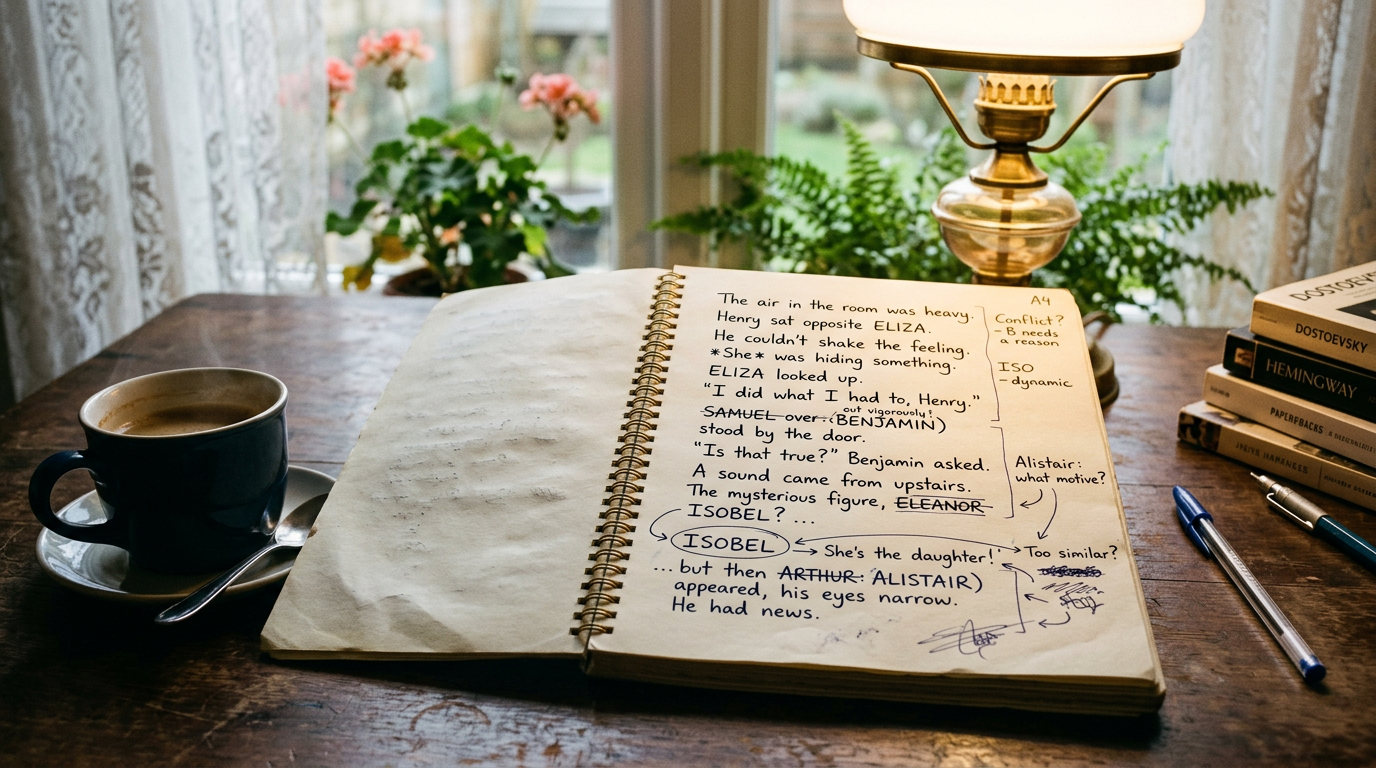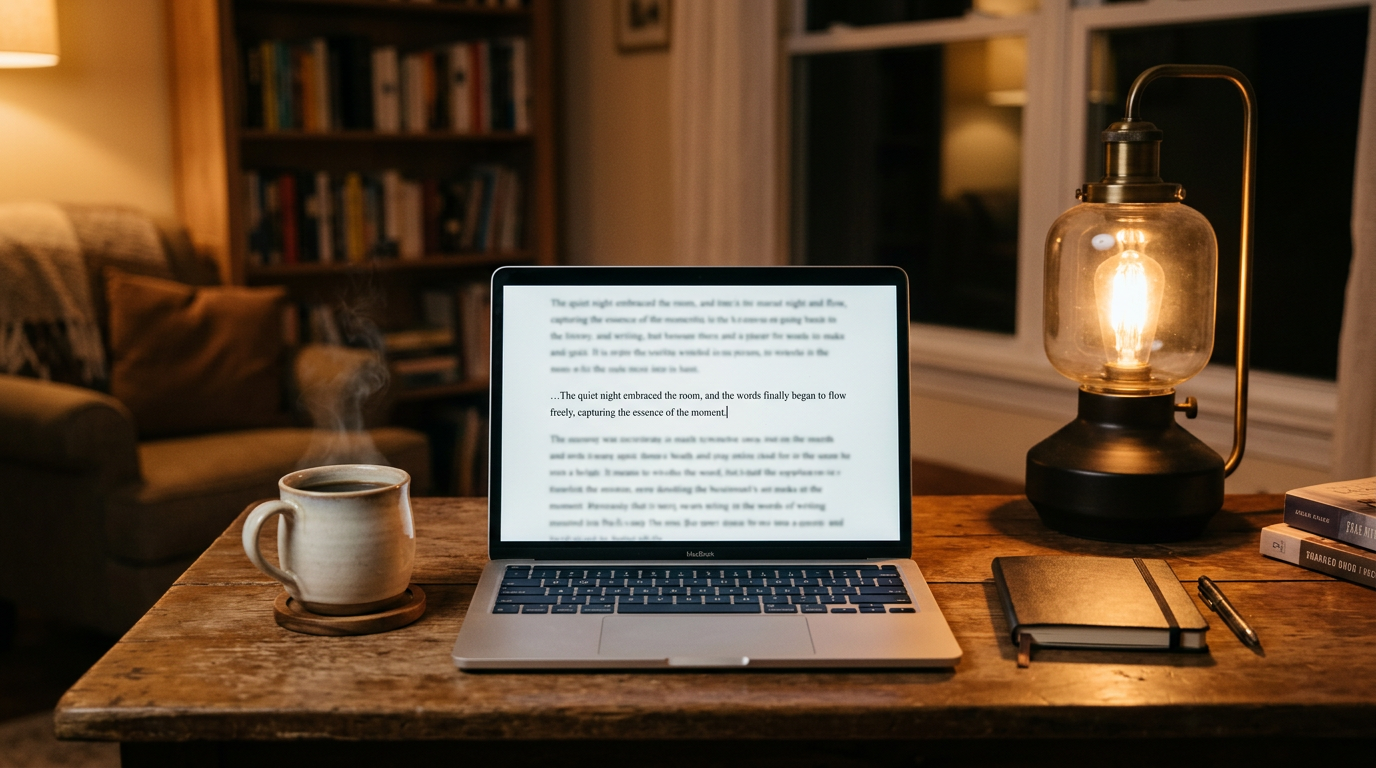
You know the pattern. You write a sentence, hate it, backspace it, rewrite it, hate the rewrite, backspace again. Twenty minutes later you have twelve words and a headache. Typing lock solves that loop by physically disabling backspace and delete while a sprint is running, so the only direction your draft can move is forward.
It's a small feature, but it solves a specific, stubborn problem that generic timers don't touch: the compulsion to fix a sentence the instant it's wrong.
What Typing Lock Actually Does
Typing lock isn't a productivity gimmick layered on top of a Pomodoro timer. It's a keyboard-level restriction that activates for the duration of a sprint. Once it's on, pressing backspace or delete does nothing — the cursor just sits there, refusing to eat your last word. You can still type new text, hit enter, use arrow keys to move around and read what you've written. You just can't remove anything.
That distinction matters. Typing lock doesn't blind you to your own prose (some "distraction-free" modes literally hide previous lines, which some writers find disorienting). It leaves everything visible. It just removes the one action — deletion — that lets the editing brain hijack a drafting session.
In Pendrilo, typing lock lives inside the writing timer. Choose a Pomodoro-style session or a word-count sprint, then flip on the optional typing lock toggle before you start. It's off by default, so it's a deliberate choice each time, not a permanent handcuff on your editor.
Why Backspace Is the Real Enemy During a Draft Sprint
Most advice about silencing your inner editor focuses on mindset — "just keep going," "don't look back," "give yourself permission to write badly." That's true advice, but it's hard to follow when the backspace key is one inch from your right pinky and firing on autopilot before your conscious brain even weighs in.
The editing impulse isn't really a thought. It's closer to a reflex, the same way you flinch at a loud noise. You type "She walked into the room and" and some part of your brain already knows "walked" is weak, "the room" is vague, and the sentence is heading nowhere good. The backspace key gives that reflex a lever. Take the lever away, and the reflex has nowhere to go — you're forced to either finish the sentence badly or sit there doing nothing, and sitting there doing nothing for more than a few seconds is boring enough that most writers just keep typing.
This is why typing lock pairs so well with sprint-style drafting specifically. A generic timer tells you how long to write. Typing lock tells you how you're allowed to write during that time. They're solving different problems, and conflating them is why a lot of "beat writer's block" articles miss this feature entirely — they cover Pomodoro apps and call it a day.
Setting Up a Typing Lock Sprint That Actually Works
A few practical notes from writers who use this regularly, plus how it works in Pendrilo:
Pick a short window first
Fifteen to twenty minutes is a good starting point. Typing lock is intense in a way a normal sprint isn't, because you lose your usual pressure-release valve. If you've never used it before, don't open with a 90-minute NaNoWriMo marathon. Test it at a length where "I can't fix that typo" is annoying but tolerable.
Set a word target, not just a clock
Word-count sprints pair especially well with typing lock because the goal becomes concrete — "800 words, no matter how ugly" — instead of open-ended. Watching the counter climb without the option to shrink it again is oddly motivating. Pendrilo's sprint mode lets you set the target either way; for typing lock specifically, a word goal tends to keep momentum better than a pure clock.
Let typos happen
This is the part that trips people up. With typing lock on, a misspelled name or a doubled word just sits there uncorrected until the sprint ends. That's the point. Fixing it costs you nothing in the final manuscript — you'll catch it in revision — but fixing it mid-sprint costs you the momentum the whole feature exists to protect.
Write past the wrong word
If a sentence goes sideways, don't try to salvage it. Add a quick marker like "XX" or a bracketed note and keep going. Search-and-replace later. This habit, more than the lock itself, is what actually retrains the editing reflex over multiple sessions.
What Typing Lock Won't Fix
It's worth being honest about the limits here, because typing lock is a drafting tool, not a cure for every kind of resistance.
- It won't fix structural stalls. If you're stuck because you genuinely don't know what happens next in the scene, disabling backspace just means you'll type "I don't know what happens next" forty times instead of deleting it. That's a plotting problem, not an editing-reflex problem.
- It doesn't replace revision. Everything you shove past the lock still needs a real self-editing pass later. Typing lock produces messier first drafts by design — that's a fair trade for speed, but only if you actually come back and clean up.
- It can backfire under real anxiety. A few writers find that removing the undo option raises stress instead of lowering it, especially with sensitive scenes. If a session feels worse with the lock on, turn it off — the goal is faster words, not a stress test.
Typing Lock vs. the Timer Itself
It's easy to assume typing lock is just a feature of Pomodoro apps generally. It isn't — most timer and sprint tools, including plenty of good ones, only manage the clock. They tell you when to start, when to break, when the session ends. What you do with your fingers during that window is entirely up to you, backspace included.
Typing lock is a layer on top of that clock, and it's the layer that actually addresses the "stop editing while drafting" problem NaNoWriMo-style writers are usually hunting for. If your current tool only offers a timer, you can still build the discipline manually — tape an index card over the backspace key, if you have to — but a built-in lock removes the willpower requirement entirely, which is really the whole point of the feature.
If you're comparing drafting tools and this is the specific behavior you want, check whether "sprint mode" in any given app means just a countdown, or whether it includes an actual keystroke restriction. The two get marketed under the same name more often than they should.
Building the Habit Beyond Sprint Season
Typing lock is most useful in short, deliberate bursts rather than as your permanent writing mode. Use it to break through a slow chapter, hit a daily minimum on a tight deadline, or push through the messy middle of a novel where the temptation to over-polish page four instead of finishing page forty is strongest. Outside of sprints, most writers want their editing instincts fully available — that's what self-editing passes and prose checkers are for once the draft exists.
If you're weighing timers and drafting features across a few apps, Pendrilo's free writing tools are worth a look regardless of which writing app you land on, and the writing timer with optional typing lock is part of the full studio if you want to try the whole workflow — drafting through export — at pendrilo.com/register.