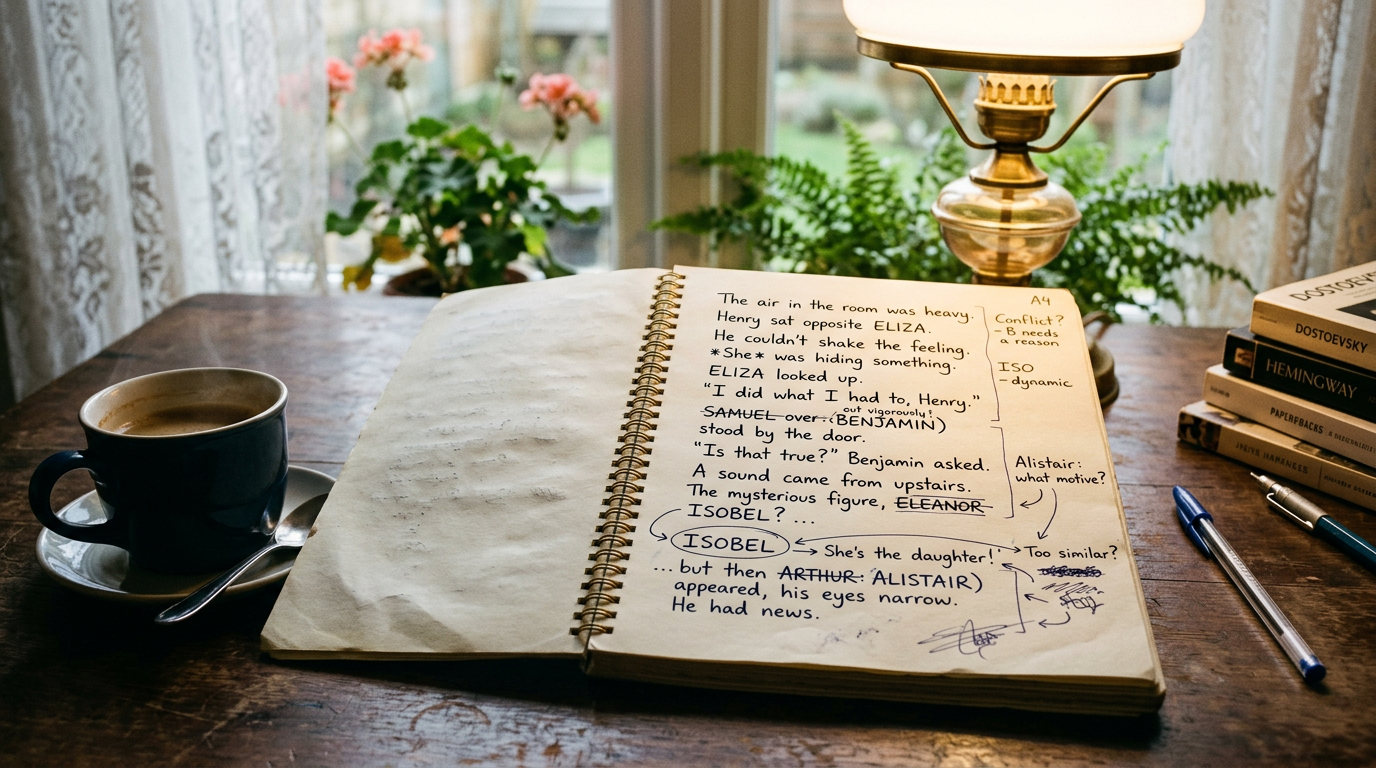
Every writer has a junk drawer for ideas. Maybe it's a phone full of voice memos, a pile of sticky notes on the monitor, or a notes app with forty untitled entries you'll never reopen. The problem isn't that you have stray ideas — it's that they have nowhere consistent to land, so they either get lost or they crash straight into your manuscript as a bracketed aside that breaks your flow for the next three paragraphs. A proper writer's scratchpad fixes this: one place for loose thoughts that stays completely separate from your draft, and follows you wherever you write.
This isn't about adding another app to your stack. It's about picking one spot for the stuff that doesn't belong in the manuscript yet, and trusting it enough to stop interrupting yourself to write it down elsewhere.
Why sticky notes and notes apps break down
Sticky notes are great until you close your laptop and the idea is stuck to a monitor forty miles away. Notes apps are better for portability, but they're a different program entirely — switching to jot something means leaving your writing tool, losing your place, and often losing the thread of the sentence you were mid-way through. The bigger issue is that neither option is built for writing. A generic notes app doesn't know your character names, doesn't sit next to your chapters, and doesn't distinguish between "rename this town" and "buy milk." Everything ends up in one flat list, sorted by nothing, searchable only if you remember the exact word you used three weeks ago.
What a real scratchpad needs to do
A scratchpad earns its keep only if it solves the actual friction points that make writers avoid using one in the first place.
It has to be fast to reach
If opening the scratchpad takes more than a click or two, you'll default to typing the idea inline in your manuscript "just for now" — and "just for now" is how a novel ends up with six paragraphs in brackets that you're too afraid to delete. The scratchpad needs to be one tab away, not one app-switch and a login away.
It has to stay out of the manuscript
This is the part most writers get wrong when they try to DIY a solution with comment bubbles or a "notes" chapter at the end of the file. Notes embedded in the document have a way of surviving into exports, confusing beta readers, or just sitting there as visual noise every time you scroll past them. A scratchpad only works if it's structurally separate — a different space entirely, not a different color of text in the same file.
It has to hold more than one thread at once
Real stray ideas aren't one list. You've got worldbuilding questions, a marketing idea for launch day, a line of dialogue you thought of in the shower, and a reminder to check whether you already used the name "Mara" for someone else. Cramming all of that into a single running note means you're constantly scrolling past the wrong category to find the thing you actually need. A handful of separate, persistent tabs — one for plot loose ends, one for craft reminders, one for "not now, later" — keeps things sortable without needing folders or tags.
It has to follow you across devices
Ideas don't wait for you to be at your desk. If your scratchpad only lives on one machine, you're back to texting yourself or reopening the sticky-note problem on a different surface. A scratchpad that's tied to your account rather than a device means the note you made on your phone at the grocery store is sitting there when you sit down to draft that evening.
Building this without adding another tool
You don't need a project-management suite for this. Most writers overcorrect the sticky-note problem by adopting something built for software teams — kanban boards, tagging systems, nested folders — and then abandon it in a month because the overhead of filing an idea correctly is worse than not writing it down at all.
The better fix is a scratchpad that lives inside the same tool you already draft in, so there's no separate login, no separate sync setup, and no separate habit to build. Pendrilo includes a persistent notepad with multiple tabs sitting right alongside the editor — open it, jot the idea, close it, keep writing. It saves automatically and follows your account across devices, so the same tabs are there whether you're on your laptop at your desk or a browser on your phone. It never touches your manuscript file, and it never shows up in an export, so there's no risk of a stray note about "fix Mara's eye color" ending up in your EPUB.
If you're not ready to change how you draft but want to stop losing ideas today, start smaller: pick one running document — even a plain text file synced to the cloud — and force yourself to use only that for stray thoughts for two weeks. The goal isn't the perfect tool. It's building the reflex of a single destination, so your brain stops treating every idea as an emergency that needs to be dealt with immediately.
What actually belongs in the scratchpad
Not every stray thought needs the same home. It helps to separate a few categories, even loosely:
- Continuity flags — "Check if the wedding is in spring or summer per chapter 4," things you'll need to verify during revision but that would derail you if you stopped to check now.
- Future-book ideas — a great villain concept that belongs in book three, not this one.
- Craft reminders — "I keep starting sentences with 'She' — watch for this in the edit pass," the kind of pattern note that's more useful to your revision self than your drafting self.
- Non-writing tasks — cover ideas, a launch date to confirm, a keyword to test on the free KDP tools before you finalize your listing.
None of these need to interrupt the sentence you're writing. They just need somewhere reliable to land until you're in the right headspace to deal with them.
The real payoff is fewer interruptions
The point of a scratchpad isn't tidiness for its own sake. It's protecting your drafting momentum. Every time you stop mid-scene to open a separate app, find the right note, type the thought, and get back to your document, you're paying a context-switch tax — and that tax compounds over a 90,000-word manuscript. A scratchpad that's one click away, doesn't require a login, and never bleeds into your actual pages means the interruption costs seconds instead of minutes. If you're curious what that looks like in practice, you can try Pendrilo and see the notepad sitting next to your draft rather than competing with it. Whatever tool you land on, the underlying habit matters more than the software: one place for stray ideas, always in reach, never in the way.