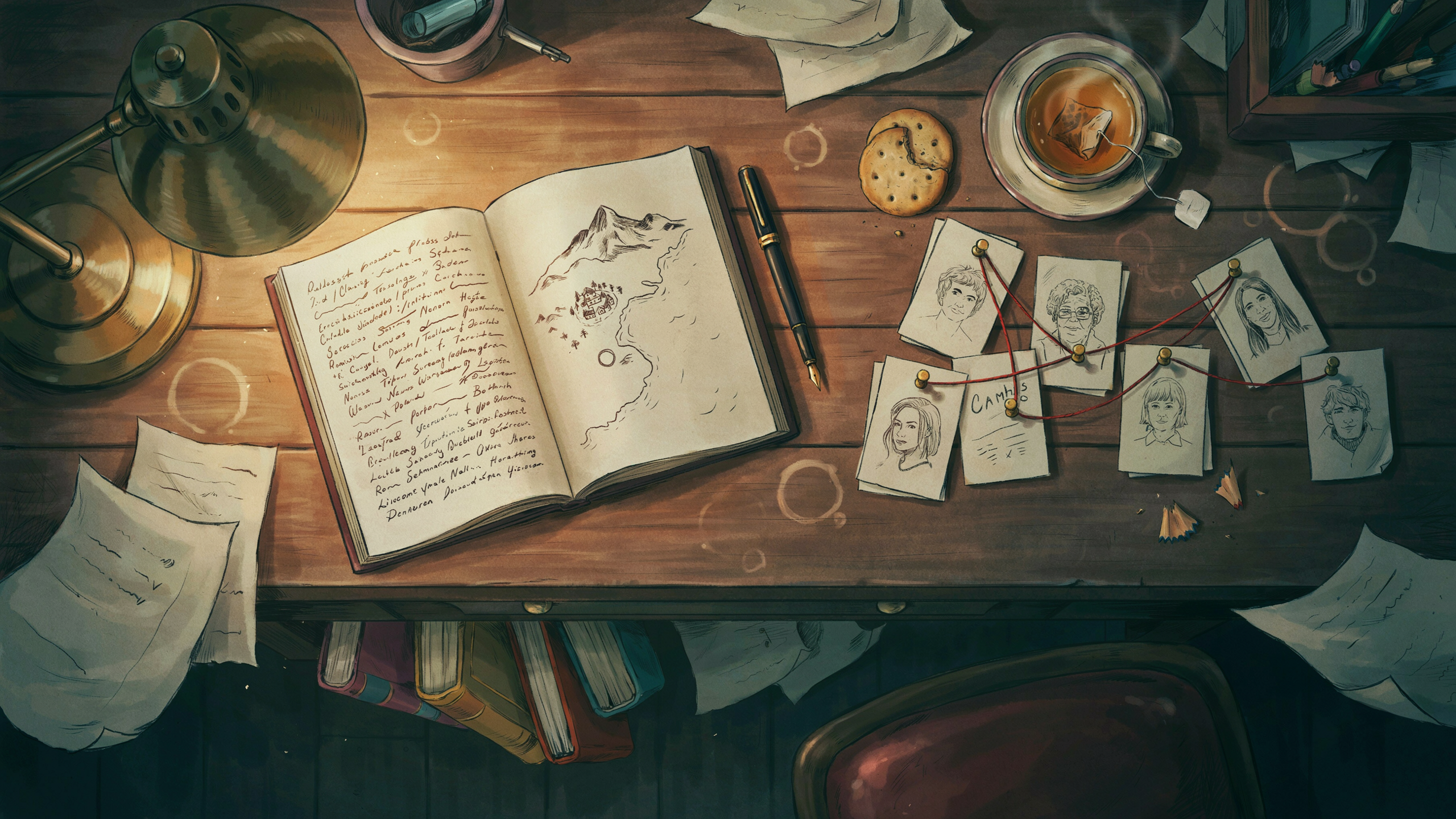
You wrote 80,000 words before you asked yourself what order they should go in. Now you're staring at a document full of stray *** breaks, trying to remember whether the barn fire happens before or after the wedding, and Googling "Scrivener corkboard alternative" at midnight. A digital corkboard is the fix. It turns your manuscript into index cards you can drag around like a detective's evidence board, without cutting up actual paper or losing your formatting every time you change your mind.
Here's how to actually build one from a draft you already wrote, instead of starting from a blank template that assumes you outlined first.
What a digital corkboard actually does for your draft
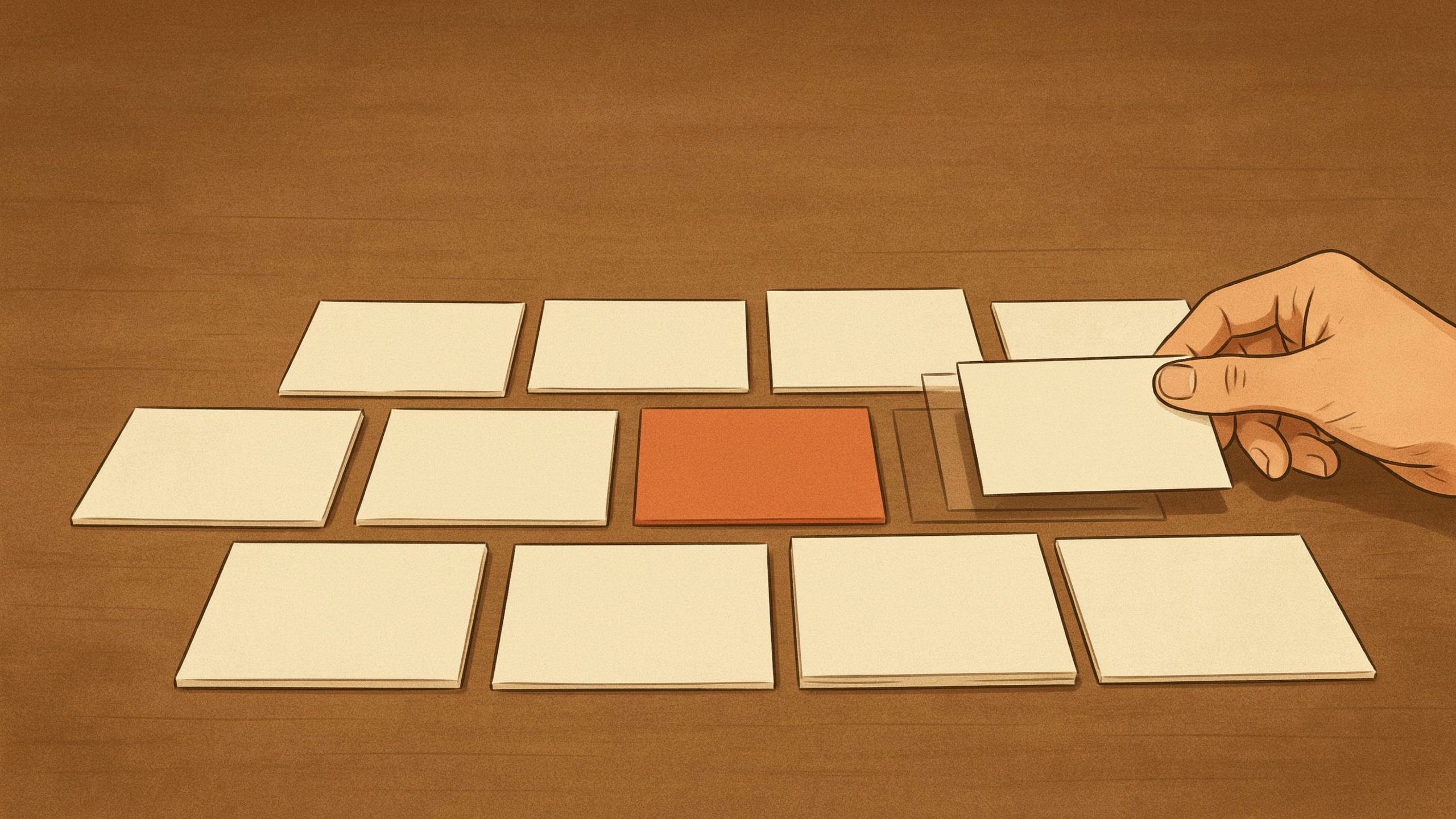
A digital corkboard splits your manuscript into scene-sized cards, usually one card per scene or chapter, each with a short summary on the front. Instead of scrolling through 300 pages to find the scene where your protagonist finds the letter, you look at a card labeled "Mara finds letter, hides it from Dev" and drag it wherever it needs to go.
The point isn't the pretty cork texture. It's that reordering 40 cards takes two minutes, while reordering 40 scenes inside a linear document means cutting, pasting, and re-checking every transition by hand. For pantsers who drafted in one long, breathless sprint, this is the difference between fixing your structure and just staring at it, overwhelmed.
Turning a messy manuscript into index cards
You don't need to outline from scratch. You need to chop up what you've got.
Splitting scenes at your *** breaks
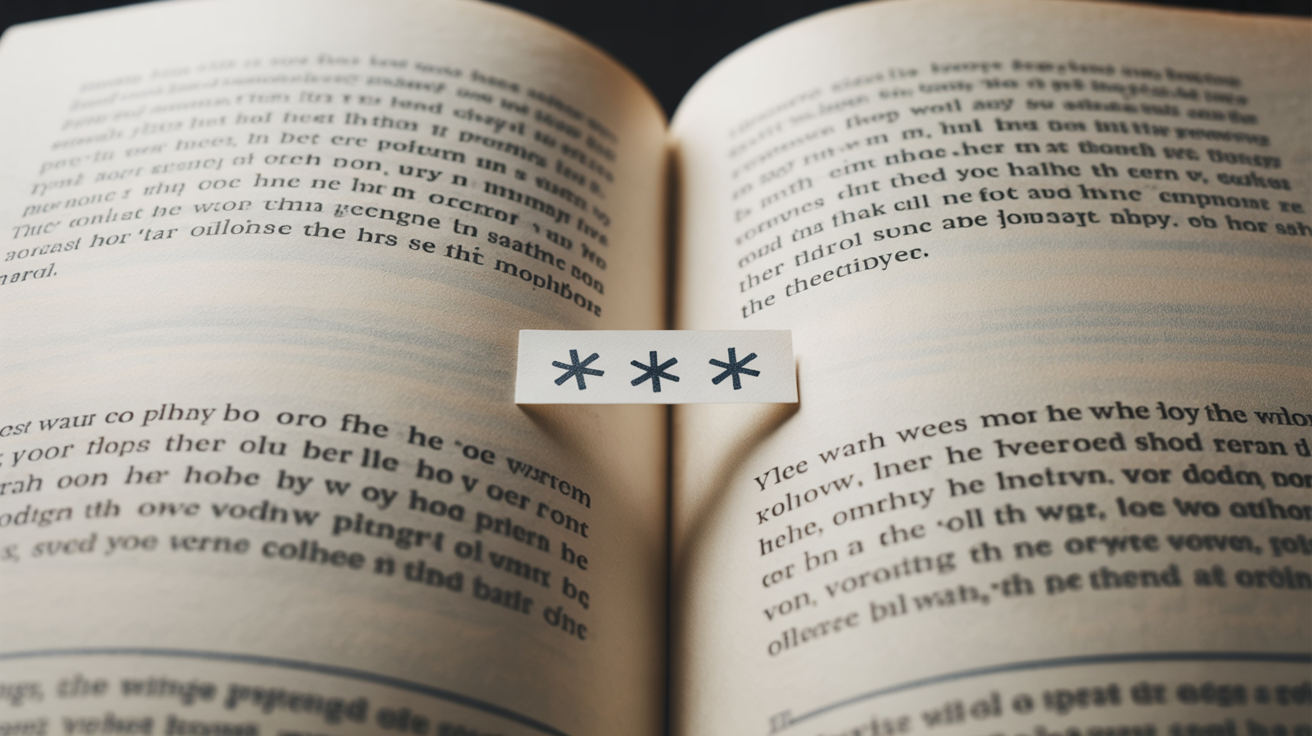
Most pantsers already mark scene changes with a stray ***, a #, or three plain asterisks left over from whatever template they started with. Those breaks are gold. They're your manuscript telling you where the natural scene boundaries already are.
Go through the document and treat every *** as a cut point. Each chunk between breaks becomes one card. Don't overthink chapter boundaries yet — a chapter with three scenes in it becomes three cards. You'll regroup them into chapters later, once you can see the whole shape of the book.
For a typical 90,000-word novel, this usually produces somewhere between 50 and 70 cards. If you land drastically outside that range, it's often a sign some of your "scenes" are actually two scenes glued together, or that a few chapters need to be split.
Naming cards so you can scan them fast
Give each card a name you can read at a glance, not the scene's full first line. "Coffee shop, Mara meets Dev" is more useful on a corkboard than "It was raining the day everything changed." Add a one-line summary underneath: who's in the scene, what changes by the end of it. If nothing changes by the end of a scene, that's worth noting too — it's often a sign the scene needs cutting or merging.
Color-coding helps once you've got more than 30 cards on the board. Pick two or three POV characters, subplot threads, or timelines and assign each a color. Suddenly you can see, at a glance, that your antagonist's subplot disappears for 12 cards in the middle of the book — a pacing problem that's nearly invisible in a plain document but jumps out on a corkboard.
Drag-to-reorder without losing your mind
Once your cards exist, the actual outlining starts: moving them into an order that makes narrative sense, not just chronological sense.
A few habits that keep this from turning into chaos:
- Work in one pass per problem. First pass: fix chronology issues. Second pass: fix pacing — are three quiet scenes stacked together? Third pass: check that every POV character's thread has enough space. Trying to fix everything in one drag-fest just creates new tangles.
- Keep a "maybe cut" lane. Instead of deleting a card the moment you doubt it, drag it to the side. Half the scenes you think you'll cut turn out to be useful later, moved somewhere else in the timeline.
- Number cards loosely, not permanently. Don't lock in chapter numbers until the order is close to final. Renumbering 60 cards by hand every time you move one is exactly the kind of manual busywork a corkboard is supposed to save you from.
If you're doing this by hand in a word processor with color-coded comment boxes, it's workable but slow. A dedicated corkboard view lets you drag cards directly and syncs the new order back into your actual manuscript document — so reordering the outline reorders the draft, instead of leaving you to manually copy-paste scenes afterward.
From stray *** to real scene-break ornaments
Here's the part pantsers usually skip: once your scenes are in the right order, those original *** marks are still sitting in your manuscript as plain typed asterisks. That's fine for a working draft. It's not fine for a KDP-ready book.
Three loose asterisks typed inline will render inconsistently across e-readers — sometimes centered, sometimes left-aligned, sometimes with weird spacing above and below depending on how your formatting tool interprets plain text. Readers notice this more than authors expect; an inconsistent scene break reads as unpolished even when the prose is strong.
Once your corkboard reorder is done, go back through and convert every stray *** into an actual scene-break ornament: a centered symbol (a single asterisk, a small diamond, three dots) styled consistently and treated as a real paragraph element, not three characters someone typed in a hurry. Decide on one symbol for the whole book and use it everywhere — mixing *** in some places and # in others is a small thing that still looks careless in a finished book.
This is also the moment to check that every scene break earns its place. If a card on your corkboard represents a scene that's really just a continuation of the previous one with no time jump, you may not need a break there at all. Corkboard reordering tends to surface a few breaks that only existed because you paused writing for the day, not because the story actually shifted.
A simple workflow for pantsers turned plotters
Put together, the process looks like this:
- Import or paste your draft and split it at every stray *** or scene break.
- Name and summarize each card in plain, scannable language.
- Color-code by POV character or subplot if you've got more than one thread running.
- Reorder in passes: chronology first, pacing second, thread balance third.
- Sync the new card order back into the manuscript.
- Replace every leftover *** with a consistent, properly styled scene-break ornament.
None of this requires you to have been a plotter all along. It just requires treating your finished, messy first draft as raw material for an outline instead of trying to outline the next book before you've written a word. If you want to try this on your own manuscript without exporting and re-importing between three different apps, Pendrilo keeps the corkboard, the draft, and the KDP formatting in the same place, so reordering a card and fixing a scene break are both five-second jobs instead of separate chores in separate tools.